D&D Spell Cards3.1.0
Publisher Description
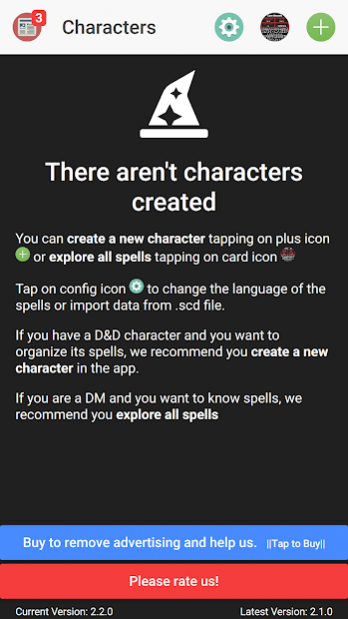
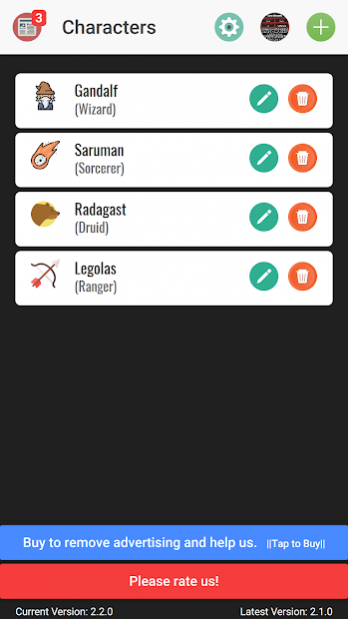
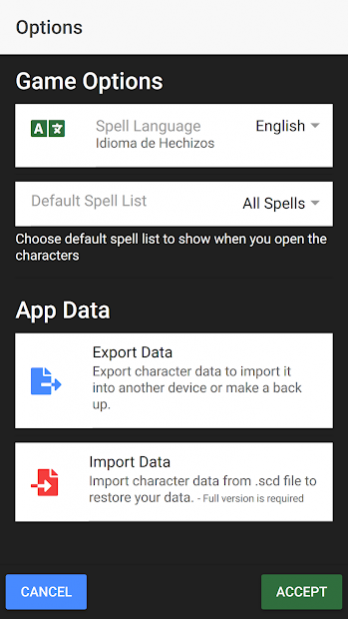
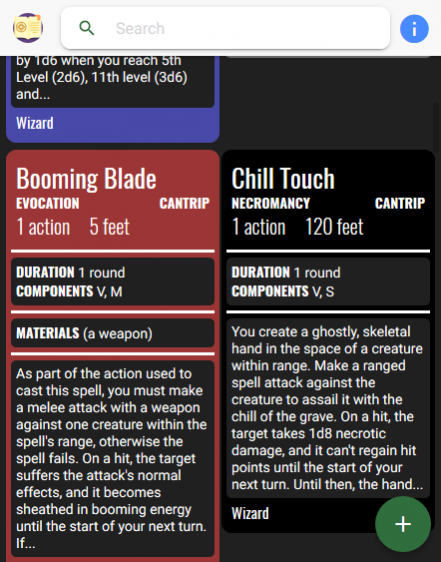
Using D&D Spells Cards you can organize and manage your spells like a digital card deck for Dungeon And Dragons 5ed. You could choose your D&D character class to read, learn and prepare spells with a friendly screen. You will find each spell as a spell card making the app very usefull and practice. You would search and find spells using name, level, school and class filters.
Then, you could learn and prepare the spells or simply forget them when you want.
Current classes supported by the app:
Wizard
Sorcerer
Warlock
Druid
Cleric
Bard
Paladin
Ranger
REMEMBER!
D&D Spell Cards only support spells for D&D 5ed
About D&D Spell Cards
The company that develops D&D Spell Cards is Calipso Entertainment. The latest version released by its developer is 3.1.0.
To install D&D Spell Cards on your Android device, just click the green Continue To App button above to start the installation process. The app is listed on our website since 2019-11-06 and was downloaded 6 times. We have already checked if the download link is safe, however for your own protection we recommend that you scan the downloaded app with your antivirus. Your antivirus may detect the D&D Spell Cards as malware as malware if the download link to calipso.dnd.spells is broken.
How to install D&D Spell Cards on your Android device:
- Click on the Continue To App button on our website. This will redirect you to Google Play.
- Once the D&D Spell Cards is shown in the Google Play listing of your Android device, you can start its download and installation. Tap on the Install button located below the search bar and to the right of the app icon.
- A pop-up window with the permissions required by D&D Spell Cards will be shown. Click on Accept to continue the process.
- D&D Spell Cards will be downloaded onto your device, displaying a progress. Once the download completes, the installation will start and you'll get a notification after the installation is finished.
Program Details
System requirements
Download information
Pricing
Version History
version 3.1.0
posted on 2019-11-06
- Card deck editor is added (only for premium users).
- Visual changes to improve the appearance and performance of the app.
- Bug fixes in general.
version 3.0.0
posted on 2019-04-28
- Version 3.0.0 released.
- New interactive tutorial guieded by Goel (a friendly ranger elf). It can be deactivated in options.
- Visual changes to improve the appearance of the application.
- Virtual Scrolling implemented to improve app performance.
- Added a button to learn spells, prepare spells and mark spells as favorites quickly.
